PhoneToCar

Unleash your car screen.

Your Android phone’s apps on your car’s screen: Waze, Spotify, YouTube Music, and the other apps you choose.

Open on my car

Reading this in your car? Start the app on your phone, then tap here.

Nothing to plug in. Just your phone.

No cable, no adapter, no box. The car joins your phone’s hotspot and shows your apps in its own web browser. In a Tesla, the browser is already built in.

A drawing: a phone in a holder and a car’s screen showing a web browser, with nothing between them.

Starts and stops with your car

Set it once. Then a drive goes like this:

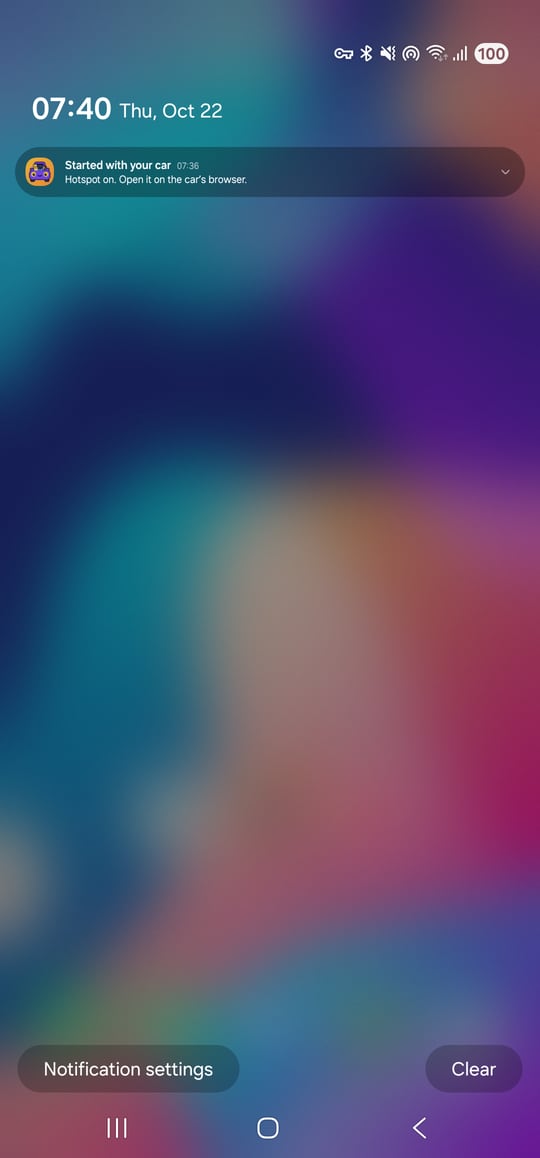
  1. A phone’s notifications pulled down, with PhoneToCar’s: Started with your car. Hotspot on. Open it on the car’s browser.

    Get in. It starts by itself, hotspot and all, as your phone connects to the car’s Bluetooth.

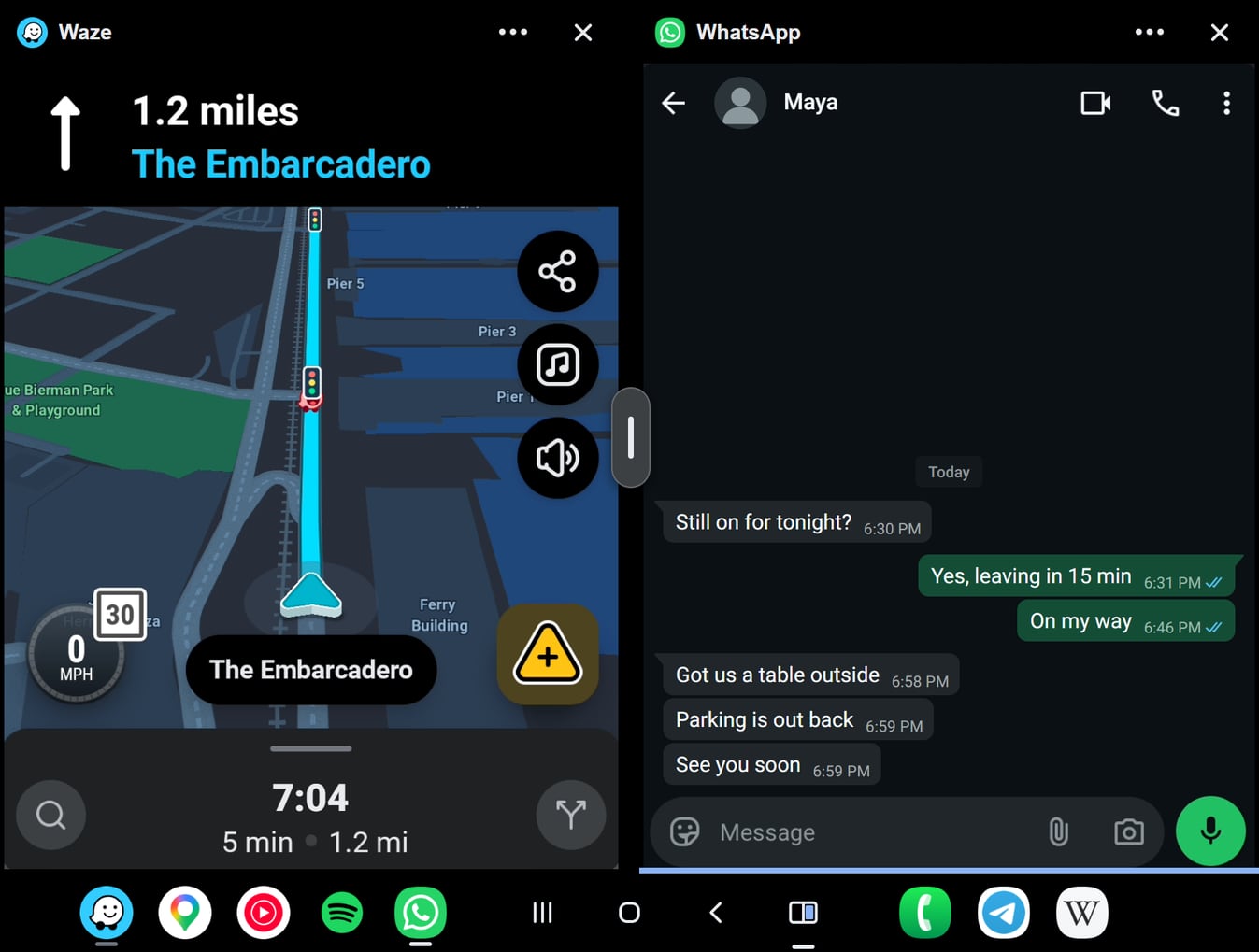
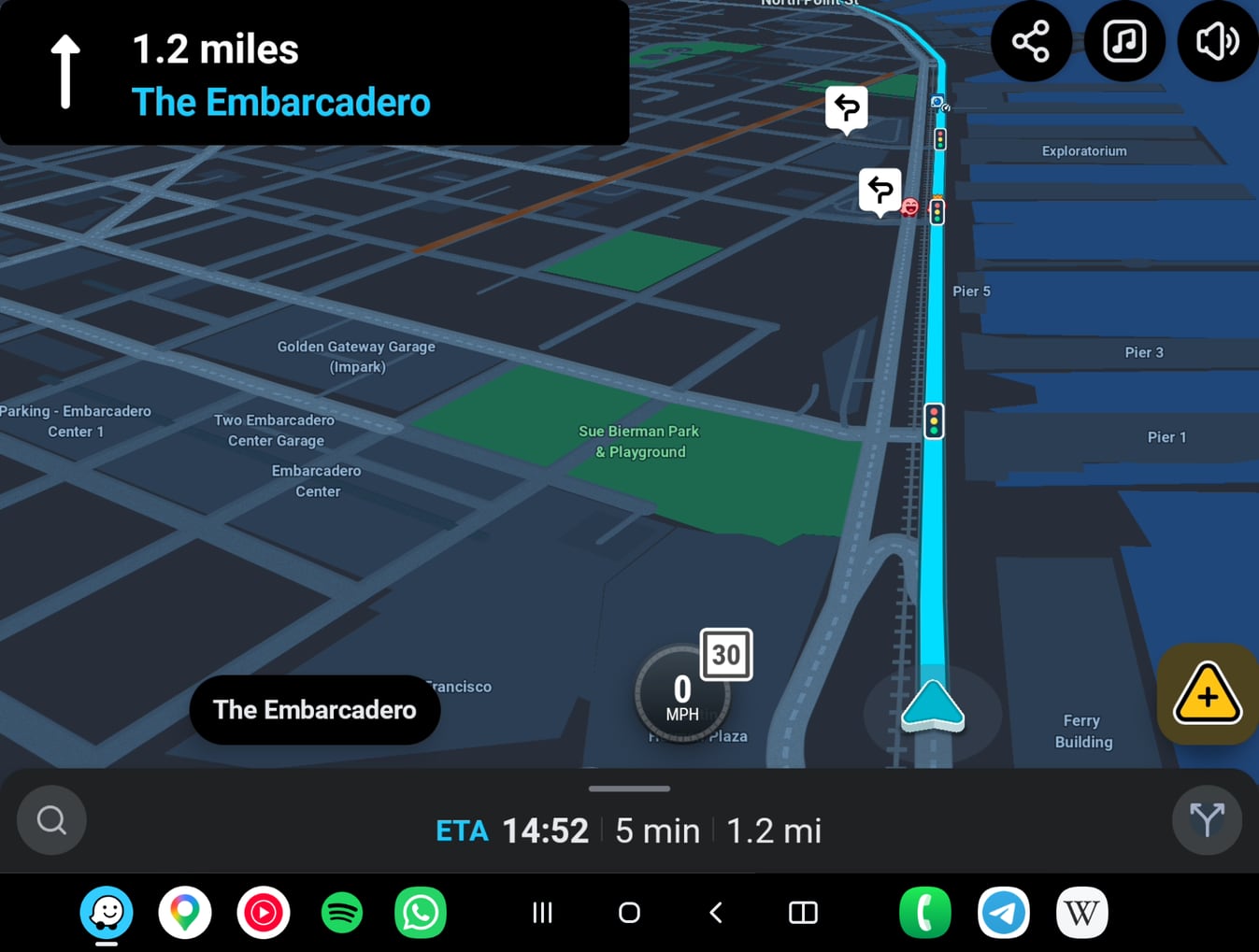
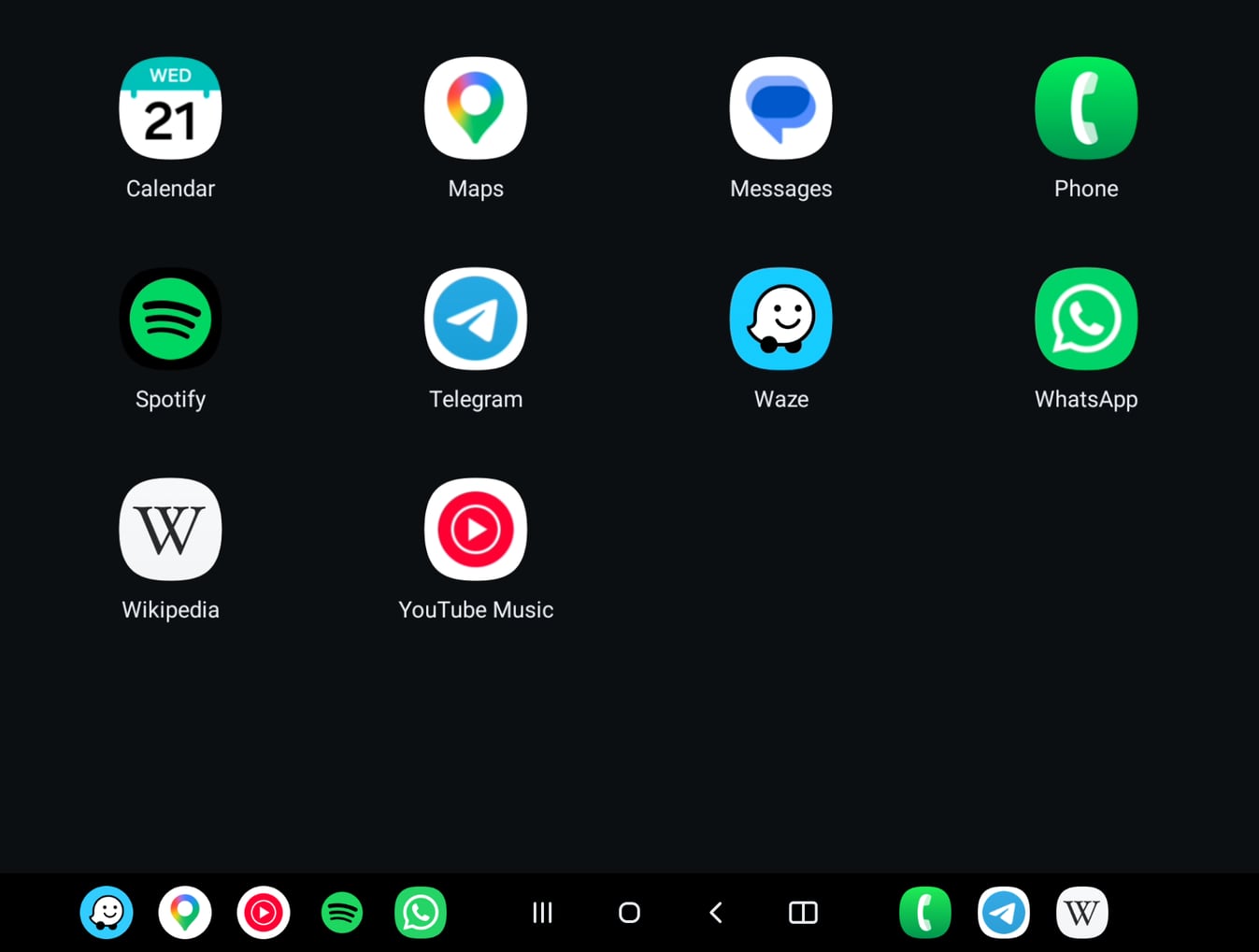
  2. The car’s screen with the phone’s apps to tap: Calendar, Maps, Messages, Phone, Spotify, Telegram, Waze, WhatsApp, Wikipedia and YouTube Music.

    Your apps are on the car’s screen. Just tap your bookmark.

When you leave, it stops.

Two ways to use it

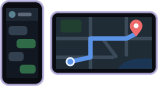
Drawing: the phone and the car’s screen, each showing its own apps.

Additional screen

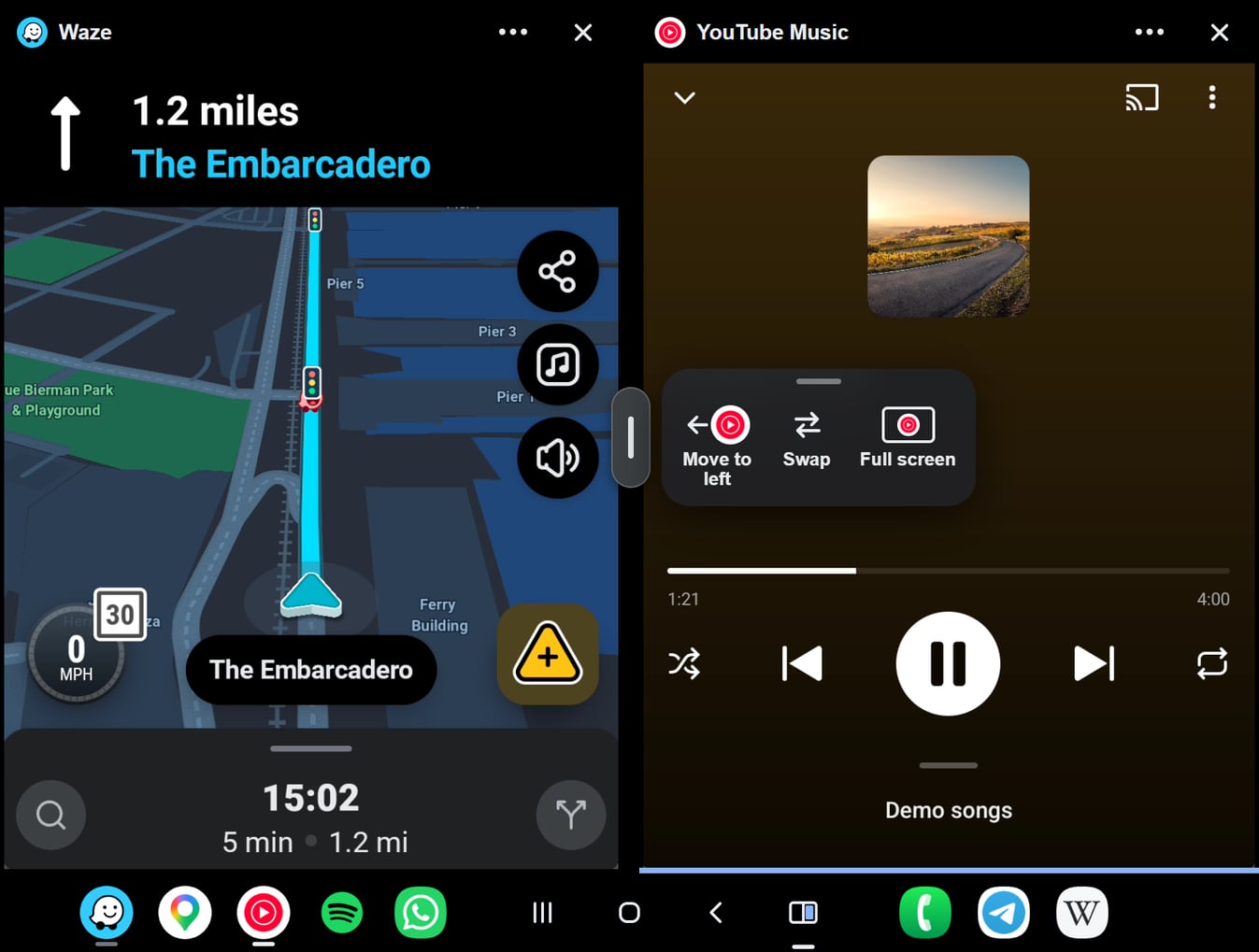
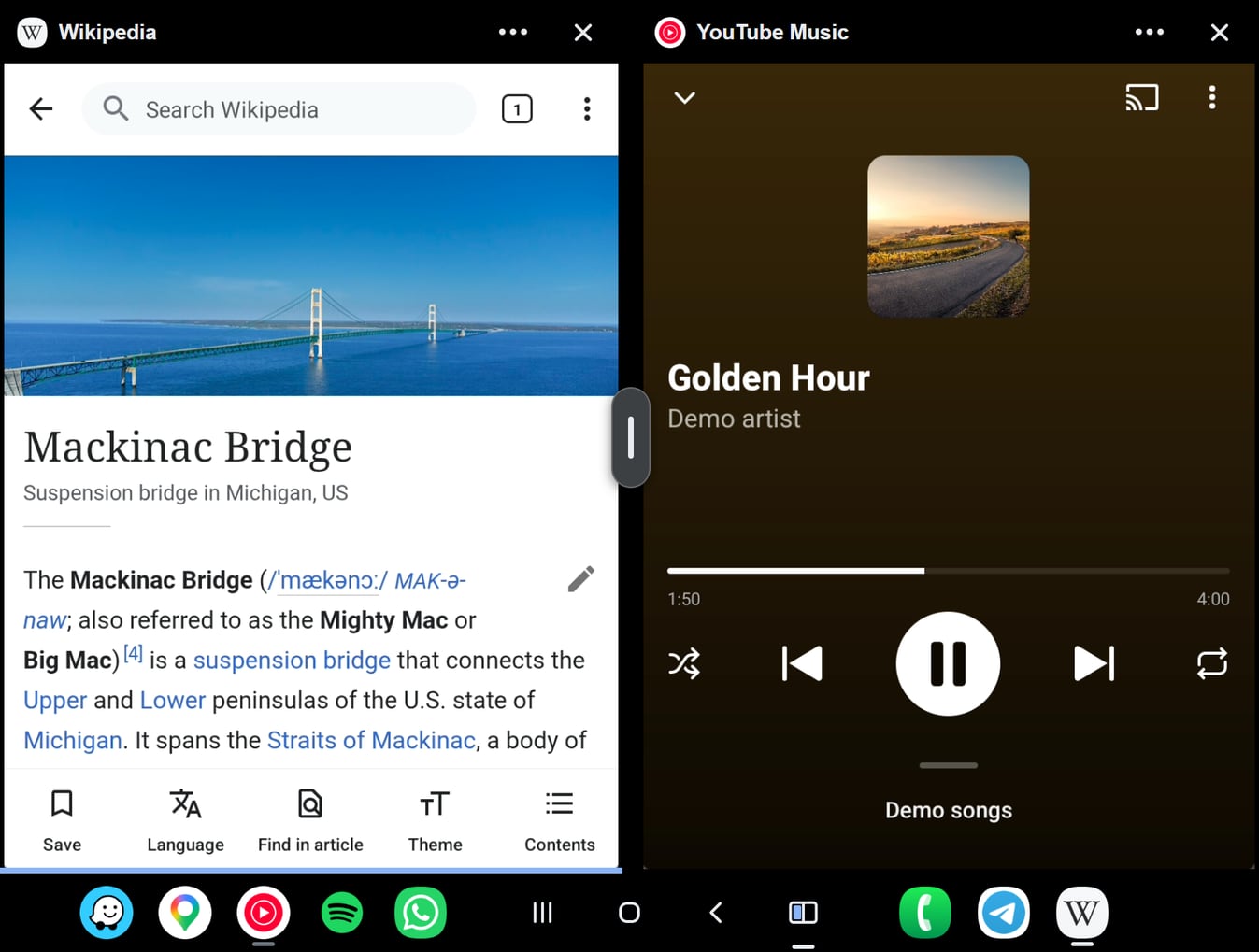
The car gets a full-size screen of its own, with split screen, your chosen apps and starting by itself. Your phone’s own screen stays free.

Free for 10 days of use, then US$9.99 once

One payment, no subscription. Google Play shows your price, with tax, before you pay. Works while Android and Tesla allow it (Terms §14).

Days you skip don’t count. Android 13 or newer.
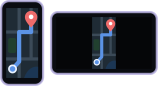
Drawing: the car’s screen showing the same as the phone.

Mirror phone

The car shows your phone’s screen. Your phone asks for your OK each time.

Free

No account. No ads.

Get started

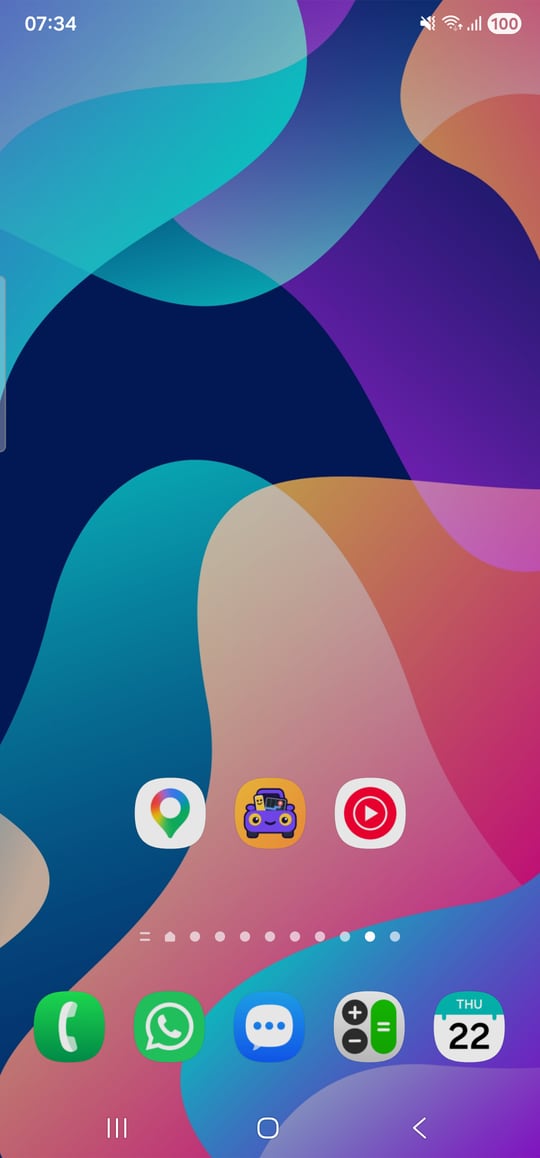
  1. A phone’s home screen with the PhoneToCar icon between Maps and YouTube Music.
    1

    Install PhoneToCar.

    Coming soon to Google Play

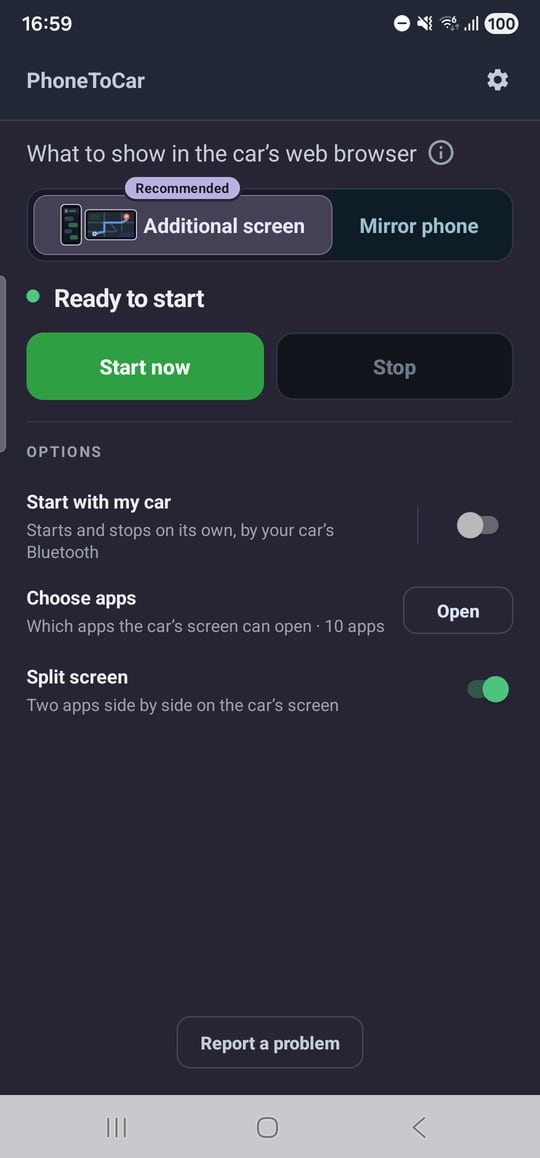
  2. PhoneToCar on the phone: Additional screen, Ready to start, Start now, and its options.
    2

    Set up Additional screen at home, on Wi-Fi. The app walks you through it.

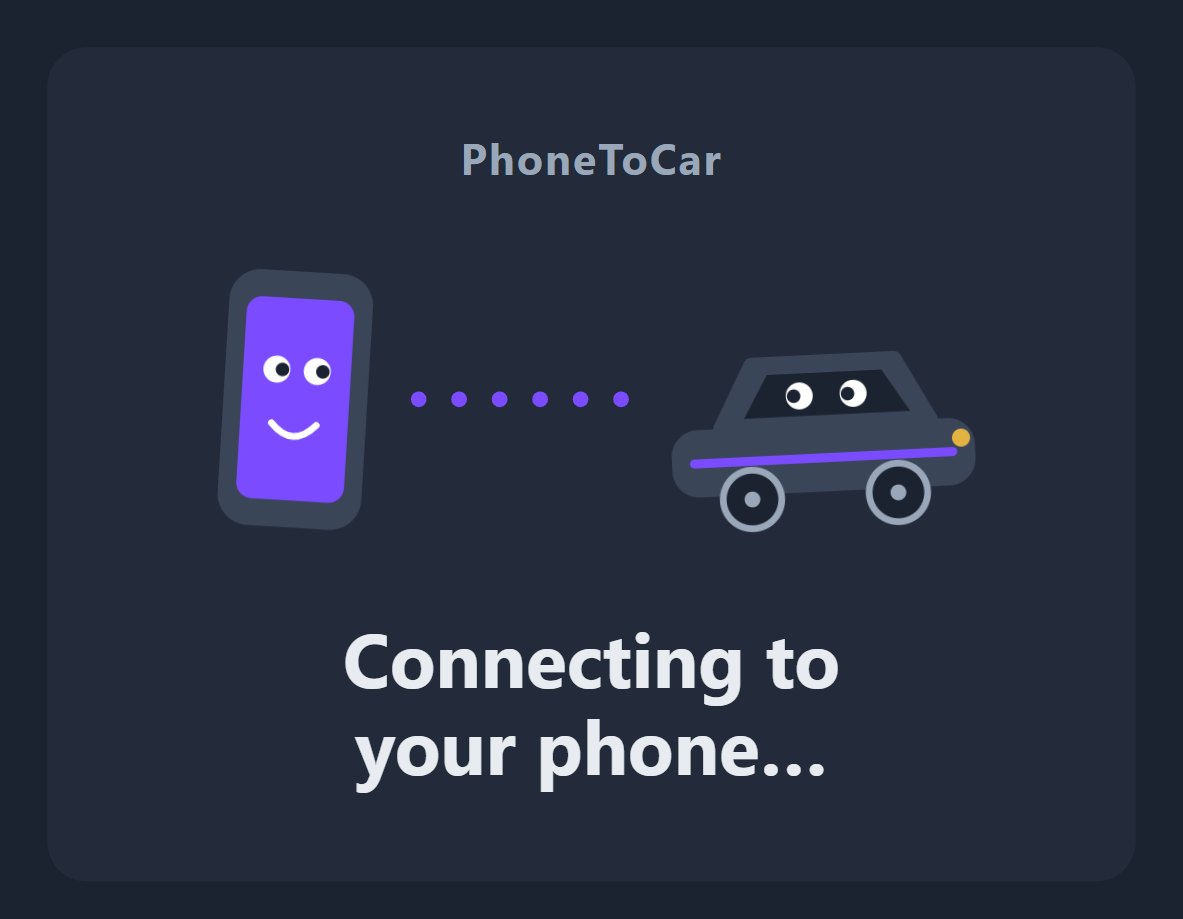
  3. car.phoneto.app on the car’s screen: Connecting to your phone…
    3

    In the car, parked: join your phone’s hotspot, then open the address the app shows and bookmark it.

This button works in your car’s web browser.

Open phoneto.app there while PhoneToCar is casting.

I’m in my car